
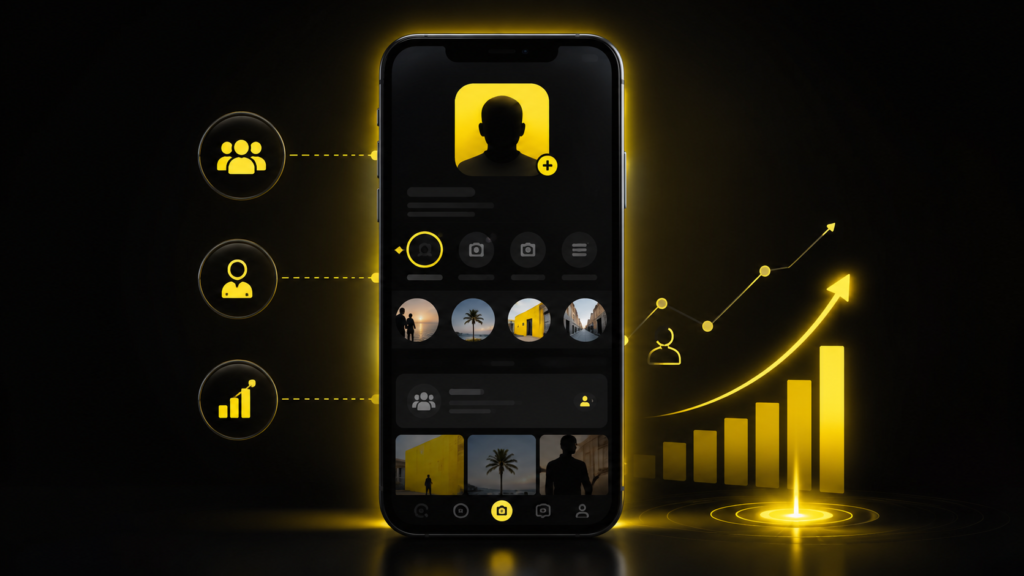
Snapchat is no longer just a platform for sending disappearing photos and maintaining streaks with friends. Over the years, it has evolved into a powerful social media platform where creators, influencers, businesses, and professionals can reach a much larger audience. If you’re looking to increase your visibility, build a personal brand, or promote your business, creating a Snapchat Public Profile is one of the best places to start.
Unlike a personal account, a Public Profile allows anyone on Snapchat to discover your content, follow your updates, and engage with your profile without sending a friend request. It also unlocks valuable features like public Stories, Spotlight eligibility, subscriber counts, and performance insights.
In this guide, you’ll learn exactly how to create a Public Profile on Snapchat, who is eligible, how to optimize your profile for growth, and how to solve common issues if the feature isn’t available on your account.
A Snapchat Public Profile is a feature that allows users to share their content with the entire Snapchat community instead of limiting it to friends. It is ideal for creators, freelancers, businesses, brands, and anyone interested in growing an online presence.
Once your Public Profile is active, your content becomes easier to discover through Snapchat Search and Spotlight. Visitors can subscribe to your profile, view your public Stories, and learn more about you through your profile information.
Some of the biggest advantages include:
These features help establish credibility while giving you more opportunities to reach new audiences organically.
Before creating a Public Profile, make sure your account meets Snapchat’s eligibility requirements. While most users can access this feature, there are a few conditions you need to satisfy.
Generally, your account should:
If your account was recently created, you may need to post a few Stories and use Snapchat regularly before the Public Profile option becomes available.
A Public Profile isn’t just for influencers with millions of followers. It’s useful for anyone who wants to increase their online visibility.
Whether you’re a content creator, local business owner, coach, freelancer, or entrepreneur, a Public Profile can help you reach new audiences without spending money on advertising.
Some of the biggest benefits include:
Creating a Public Profile only takes a few minutes if your account is eligible.
Launch the Snapchat app and tap your Bitmoji or profile icon in the top-left corner of the screen. This will open your account dashboard.
Scroll down until you locate the Public Profiles section near the bottom of the page.
Tap Create Public Profile, then select Continue and Get Started. Snapchat will display a brief explanation of how Public Profiles work.
Review the information and tap Create to activate your Public Profile. Once completed, your profile will be available for customization.
After creating your Public Profile, spend a few minutes optimizing it so visitors know who you are.
You should:
A complete profile appears more trustworthy and performs better in Snapchat Search.
If the option isn’t showing on your account, don’t worry. There are several things you can try.
First, update Snapchat to the latest version from the App Store or Google Play Store.
Next, review your privacy settings and make sure your account is discoverable.
If your account is brand new, post a few Stories and continue using Snapchat for a few days. Many new accounts receive access after showing normal activity.
Finally, restart the app and check your profile again.
For most users, the Public Profile is activated immediately after completing the setup process.
However, some accounts may require a manual review, especially newer accounts or business-related profiles. In those cases, activation can take anywhere from a few hours to several business days.
Creating a Public Profile is only the first step. Consistent optimization is what helps you grow your audience.
To improve your profile’s performance:
Small improvements made consistently can lead to significant growth over time.
Many users create a Public Profile but fail to use it effectively.
Avoid these common mistakes:
A Public Profile is designed to help users grow organically by making their content discoverable. A Business Account, on the other hand, offers additional advertising tools and advanced marketing features.
Many creators start with a Public Profile and later upgrade to a Business Account when they begin running Snapchat Ads.
Creating a Snapchat Public Profile is one of the easiest ways to increase your visibility on the platform. It allows people to discover your content, follow your updates, and engage with your profile without needing to become your friend first.
By completing your profile, posting consistently, and using Snapchat’s discovery features effectively, you can steadily grow your audience and build a stronger online presence.